Your Entertainment, Your Way.
Streaming is a way to watch TV through internet-connected devices. These programs can be watched at anytime, from anywhere on compatible devices.
To stream, you must have a device that connects to the internet and can download apps. You can use a Smart TV or a streaming device such as Roku Stick or Fire TV Stick to convert any TV into a smart TV. High-speed internet is essential.
Why streaming? It’s a great cost effective alternative or add on to traditional TV service. Watch what you want, when you want.
Popular Streaming Platforms
A revolutionary combination of Live TV, On-Demand, Streaming, and more!

The best of Live TV with Hulu Library, Disney+ and ESPN+
Cable TV without the hassle of contracts, extra fees, and equipment rentals.
All video streaming services listed are available from their individual providers and accessible with the use of FTC Internet.
Internet Plans
Ensure Your Internet Speed is Stream Ready!
Our 500 Mbps internet speed will support streaming. However, we recommend our Gigabit speeds because the faster your internet speed, the better your streaming experience will be.
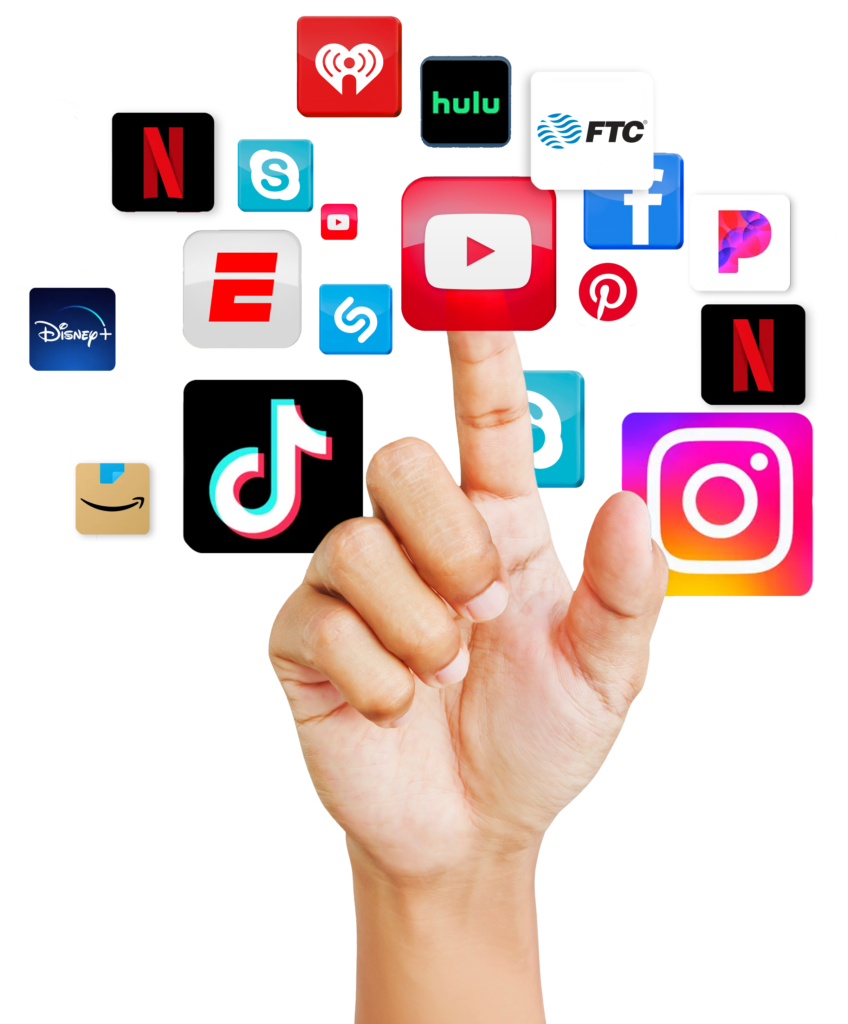
Streaming Guide
How Do You Stream TV?
Streaming TV means watching shows, movies, or live channels over the internet rather than through a traditional cable or satellite provider. It’s easier to stream TV than you might think. All you need is a strong internet connection, a streaming device, and an app offering live or on-demand shows. Making the switch, also known as “cutting the cord,” delivers pre-recorded, live, and exclusive content directly to the device.
What Do You Need to Start Streaming TV?
You need an internet connection, a capable device, and a service or app to begin streaming.
Internet Connection
A reliable internet connection is necessary for streaming TV. If you don’t have the right download speed, you could experience interruptions from buffering or poor video quality. Most households will select between these three speeds:
- A 250 Mbps service is ideal for smaller households with everyday streaming and browsing needs
- A 500 Mbps service supports smooth streaming for multiple users
- Gigabit internet provides the best experience for busy homes with many internet-enabled devices
If you’re unsure which service is best for your home, use a speed calculator to find out which speed is ideal based on your family’s habits.
Streaming Device and Display
Your streaming options typically depend on the type of TV you already own and how simple or advanced you want the setup to be. Most households fall into these categories:
Non-Smart, Older TV: You can still stream TV, even if your set isn’t the latest model. Streaming on a non-smart TV may require an RCA-to-HDMI converter, but that is fairly simple to set up.
Smart TV: This features built-in apps, such as Netflix, Hulu, or YouTube, and can connect to the internet to stream shows or movies using the TV remote.
Non-Smart TV: You can add streaming to a non-smart TV or upgrade any TV’s capabilities by plugging in a streaming device, stick, or box into the set, which can increase the performance and provide more intuitive navigation through a dedicated remote or voice-activated searching.
Device Comparison At a Glance
Your ideal setup depends on your needs, existing devices, and budget. Use the comparison chart below to see which option might be best for your home.
| Setup Option | What You Need | Best for | Live TV | Recorded Shows | Difficulty |
| Smart TV Apps | Smart TV + Apps | A simple, low-cost setup | Yes | Yes | Easiest option |
| TV + Streaming Stick | TV + Roku/Fire Stick | Budget-friendly upgrade; compact | Yes | Yes | Easy |
| TV + Streaming Box | TV + Apple TV/Roku box | Faster performance; more storage | Yes | Yes | Easy |
| Non-Smart TV + Device | Older TV + Streaming Device | Keep the existing TV | Yes | Yes | Moderate |
| Laptop or Phone Casting | Device + TV + Wi-Fi | Occasional streaming | Limited | Yes | Moderate |
Streaming Service
Most streaming services are categorized based on how you pay and when you watch. Learn about common models and examples of each below.
- On-Demand Streaming: You pay a monthly fee for unlimited access (Netflix, Disney+) or you pay per item, similar to renting or buying (Amazon and Apple digital stores).
- Live TV and Cable Replacements: These stream channels in real-time, mimicking the cable experience (Hulu + Live TV, Sling TV, DirecTV or YouTube TV)
- Ad-Supported TV: These are typically free to use because they include commercials during live channels that run on a set schedule or from an on-demand library (Peacock, The Roku Channel, Tubi)
- Specialty Services: These platforms focus on specific programming rather than a broad library (ESPN Unlimited, MLB.TV, or BritBox)
Many families select a mix of services, depending on what they like to watch and their budget.
Streaming 101
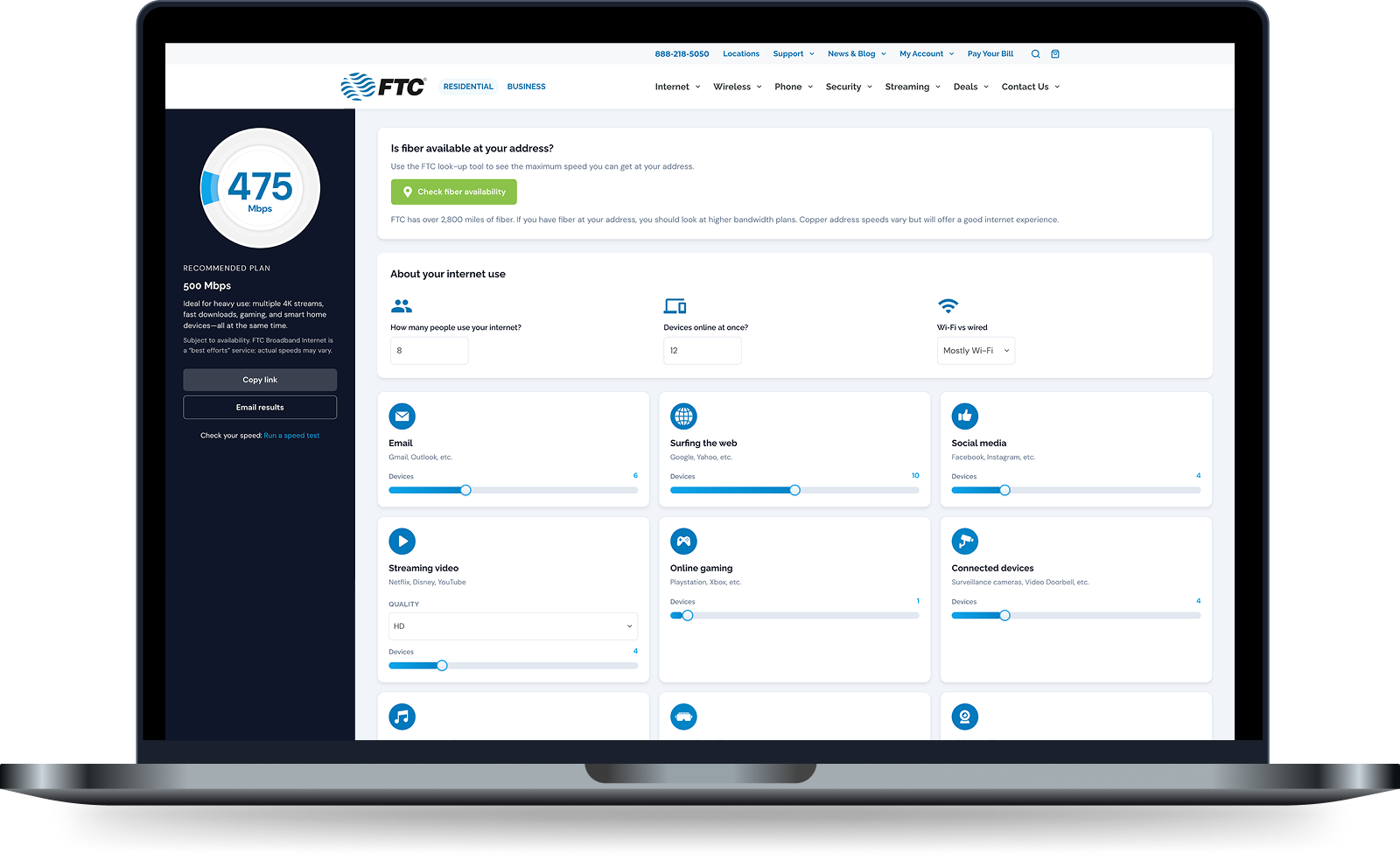
Internet Speed Calculator
Find out in seconds based on your devices and daily usage.
Streaming FAQs
Is Streaming Better Than Cable?
Though the simplicity of cable remains appealing to some, many families have come to prefer streaming because it offers more flexibility and a better media library to watch shows anytime, from anywhere.
Why People Switch from Cable to Streaming
- Choose only the services you want
- Month-to-month contracts are easier to manage
- Mix-and-match services help control monthly costs
- No equipment rental fees for set-top boxes
- Access to on-demand content anytime, from any device
- Exclusive shows and niche libraries you can’t get on cable
Is It Difficult to Switch from Cable to Streaming?
It’s relatively easy to make the switch; the biggest challenge is choosing the right streaming device and service. Once the system is set up, a streaming service can be easier to use than cable.
How Do You Watch Live TV Without Cable?
Subscribe to a live TV streaming service to watch shows, sports, and news in real-time through an internet-connected device.
How to Stream Live TV
Cable-replacement services deliver traditional TV channels over the internet to a smart TV or streaming device. These services provide main networks, sports, and news coverage, plus ‘live’ themed channels with niche content.
How to Watch Local TV Without Cable
Most homeowners have two options to stream local broadcasts without cable. These include:
- Using an antenna for free over-the-air broadcasts
- Live TV streaming services that include local channels
How to Watch Live Sports, NFL Football, and ESPN Without Cable
If you’re exploring ways to watch sports, you can choose a live TV streaming service, standalone apps, or a digital antenna. Here are some things to consider with each:
- Replacing cable with a live TV streaming service offers a traditional channel guide for convenient access to ESPN, local networks, and national sports (but blackout events and local teams may require additional apps or upgrades)
- Standalone apps for NFL and ESPN (or other sports networks) provide access to games and matches, plus exclusive content, but you may need several of these, depending on coverage.
- A digital antenna is a one-time purchase that provides access to many local sports channels; it will not cover all content, and viewers will need to invest in additional apps for ESPN and other national content.
Can You Stream on a Non-Smart TV?
Yes. Add-on streaming sticks and boxes are plug-and-play options that add streaming to any non-smart TV. A gaming console also works similarly. The external sticks are typically the easiest, most budget-friendly way to stream. If the TV doesn’t have the appropriate HDMI ports, you can use a converter box to connect a Roku or Fire TV Stick.
What Is the Simplest Streaming Device for Seniors?
A device that offers an intuitive, clutter-free interface and a straightforward remote is best for seniors or anyone new to streaming technology.
If you’re shopping for a solution, these features can make streaming easier:
- Voice Control: Allows users to find content without typing on an on-screen keyboard
- Simple Interface: Large icons, channel/program recall features, and easy-to-understand menus
- Minimal Setup Steps: Plug-and-play options can make a big difference for those without technical know-how
- Easy to Use Remotes: Minimal buttons with large icons and easy-to-use shortcut buttons for select apps can reduce frustration
What Equipment Do I Need to Get Rid of Cable TV?
You only need a few things to cut out cable and begin streaming, including:
- A reliable internet connection (at least 25 Mbps)
- A device for streaming on a non-smart TV or a smart TV with apps
- Streaming service subscription (individual apps or an all-in-one service)
- Optional antenna for local channels
What Is the Best Internet Speed for Streaming?
Since internet speeds are shared across your home, you’ll want to select a higher-speed connection to stream to multiple devices without buffering or interruptions. Many streaming providers adjust quality based on your internet speed, so downgrading your connection may diminish the viewing experience. Provider quality also matters. A stable internet connection, even if at a slower speed, typically provides a better connection than faster service with frequent dips.
Best Internet for Streaming One TV
For a single user streaming high-definition content (1080p), you could get by with 10 to 15 Mbps, but for 4K quality, the minimum recommended speed is 25 Mbps.
Best Internet Speed for Streaming in Homes With Multiple Devices
A small household with a mix of HD and 4K streaming should opt for 100 to 300 Mbps, while a home with power users or gamers should consider 500 Mbps to Gigabit service for simultaneous streaming without interruptions.
Check Your Home With FTC’s Speed Calculator
Ready to get started? Use these free tools to understand your current connection and future needs:
- Run the speed calculator to determine which internet connection matches your family’s needs.
- Test your current internet connection speed to see if it matches what the calculator estimates is needed for seamless streaming.
- Explore rates on internet plans to make an informed decision on upgrading your service.
Streaming Articles and Resources
Explore more ways to improve your streaming setup.
What streaming service is best to replace cable?
Services that offer live television, such as YouTube TV, Hulu +, or DirecTV, will provide a similar experience as cable for live sports, local channels, and TV.
How do I watch TV if I only have internet?
Use a streaming device or smart TV and subscribe to one or more streaming services.
Is it worth switching from cable to streaming?
Streaming offers more flexibility, customization, and budget-friendly options that make switching away from cable a worthwhile choice.
How can I watch all channels on my smart TV without cable?
You won’t likely find a single service that has everything, but you can combine live TV streaming with on-demand apps and an antenna, if necessary, to achieve a similar experience and even access exclusive content that cable can’t match.
What is the simplest streaming setup for beginners?
Start with reliable internet, a simple stick-style streaming device, and one main service. You can always expand later.
Do I need faster internet if more than one person streams at the same time?
Yes. More devices require more bandwidth. Use a speed calculator to find the right plan for interruption-free live TV, movies, and on-demand shows.