
The Strongest Wi-Fi Coverage
Reliable, Powerful Coverage
With optimized internet, enjoy enhanced Wi-Fi coverage throughout your entire home. Connect over 100+ devices while still enjoying uninterrupted surfing, streaming and working.
Control
Enable guest Wi-Fi network, Set Parental Controls, and Network Security protection from malware and viruses – all from the FTC Internet App.
Support
From installation to our 24/7 support, enjoy a stress-free experience fully managed by FTC.

Premium Wi-Fi Deserves the Premium App
Take control of your home with the FTC Internet App
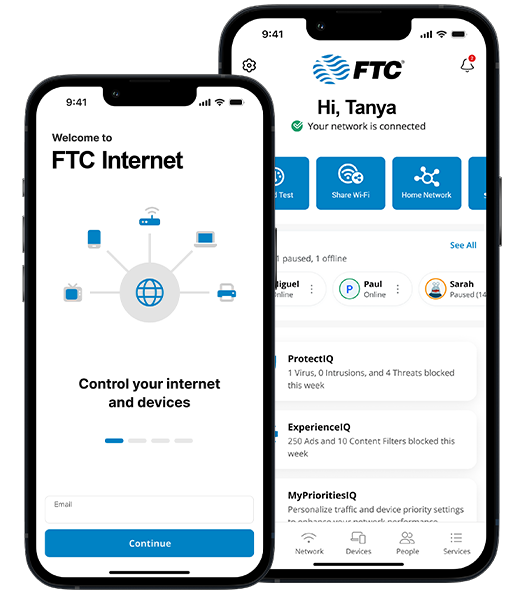
The FTC Internet App gives you easy access to a snapshot view of your home or small-business network. Through the app, you can view all the connected devices on your network, set up parental controls or a guest network, change your SSID and password, and more. The FTC Internet App puts you in charge!
Additional Add-Ons
ExperienceIQ™
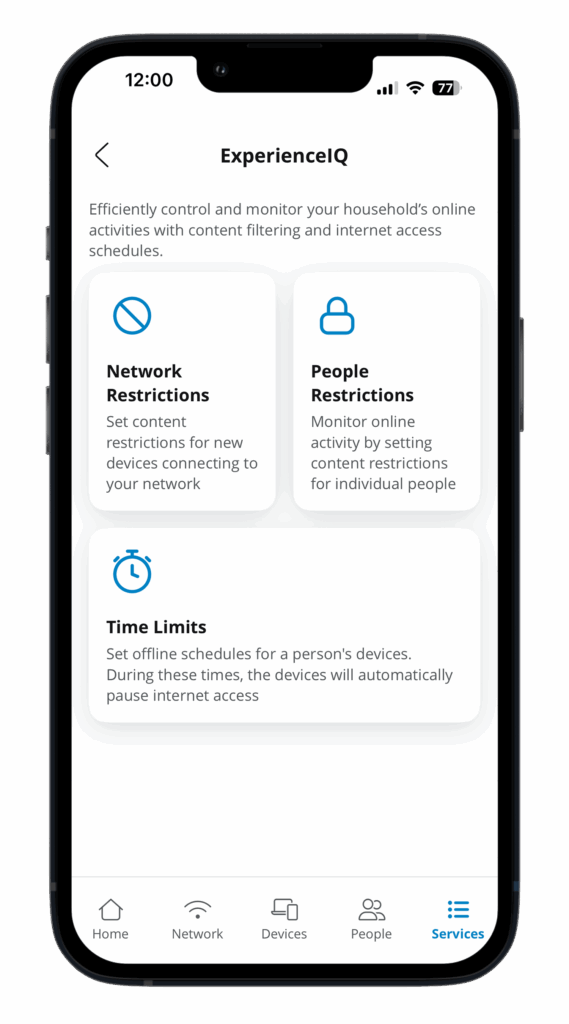
With ExperienceIQ™, Parental Controls let you manage screen time, content, and access – all from the FTC Internet App.
Learn More
ProtectIQ™
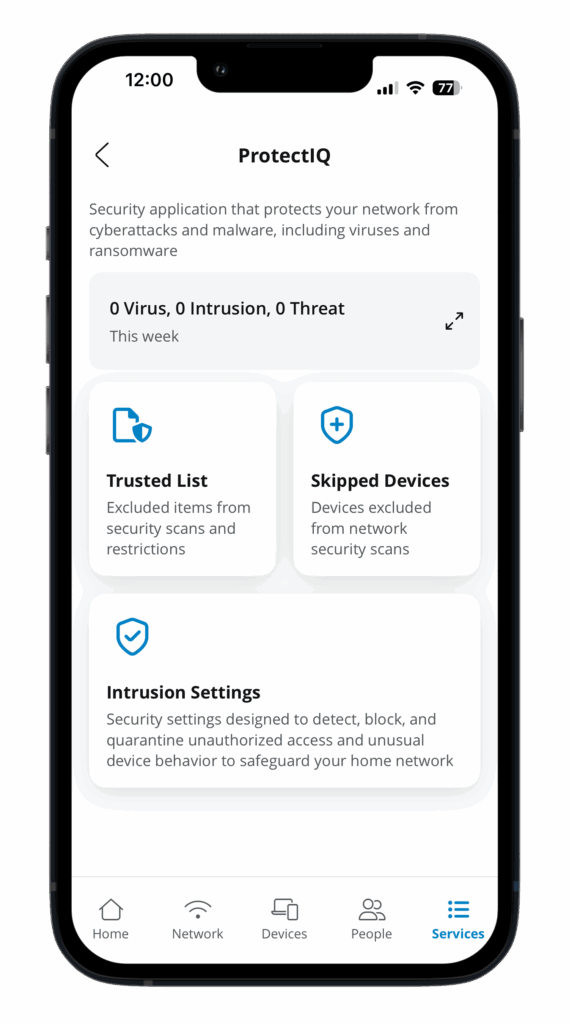
As hackers and malware become increasingly more sophisticated, your network requires an equally innovative solution.
Learn More
Access Points
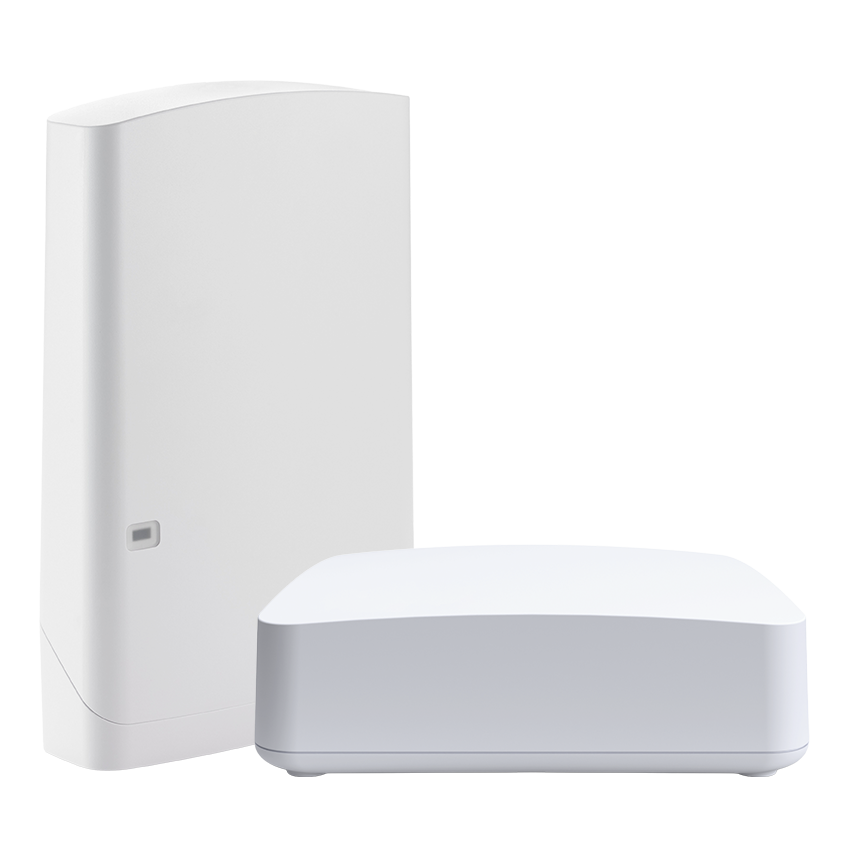
Extend fast, reliable Wi-Fi throughout your home—and even outdoors—with FTC’s seamless mesh access points.
Learn More
Premium Wi-Fi Deserves the Premium App.
Take control of your home with the FTC Internet App

-
Settings
Customize your FTC Internet App settings including everything from security codes to alerts. -
Quick Tiles
Quickly swipe through the quick links carousel to access your most used tools and features. -
My Network
Get a complete view of the home – network, equipment, services and overall usage.
-
Alerts
Quickly check alerts within the app to maximize your internet experience. -
People
Create unique experiences for individuals in your home. Monitor use, pause the internet, set time limits and more. -
Devices
View connected devices and network usage of each device. Here you have access to set activity priorities and so much more.